
Support Downloads
Smart Lock Downloads and Documents
Use this page to request catalogs, specification sheets, installation information and report availability without treating every file as a universal download for every model.
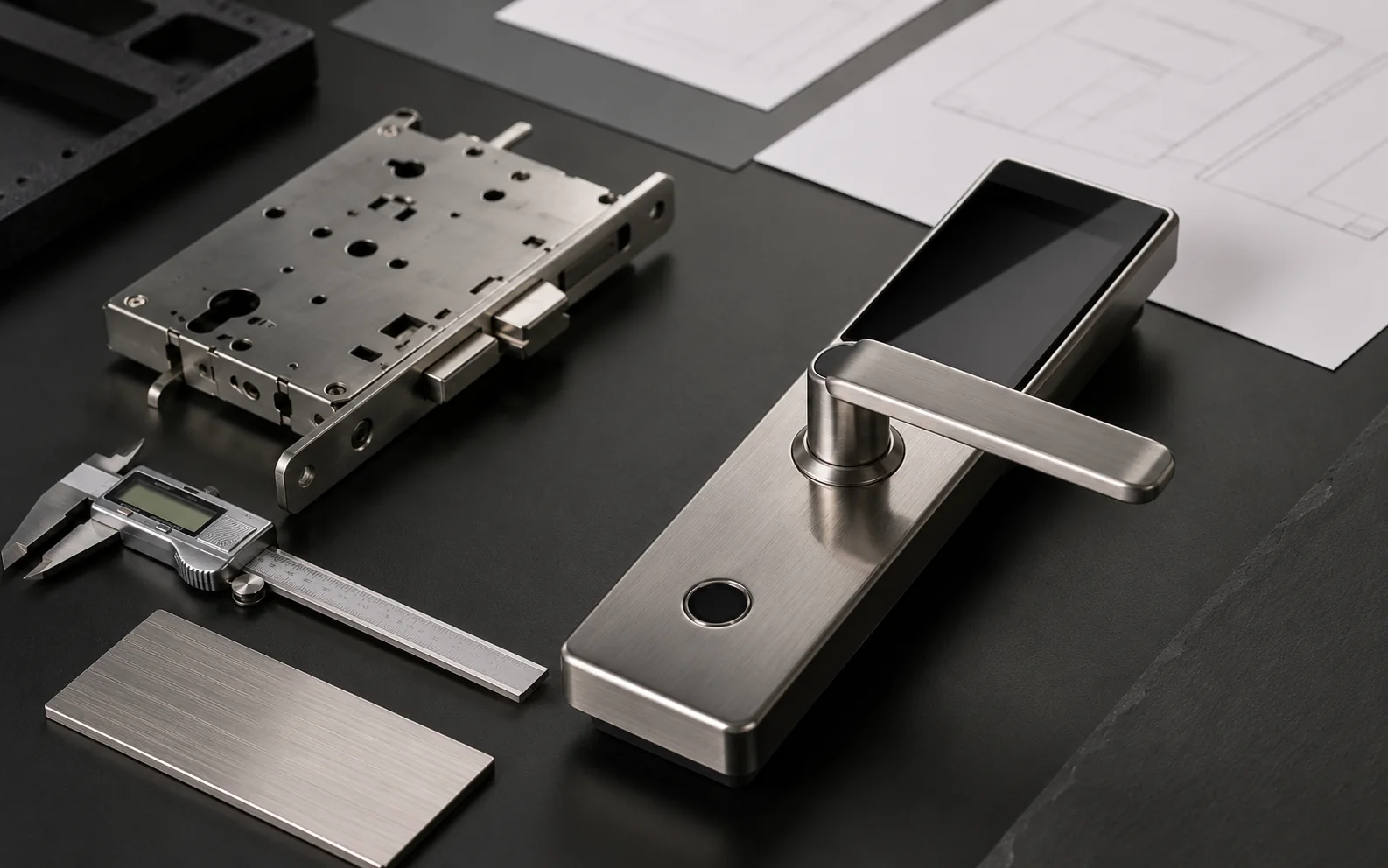
Catalogs, sheets and reports belong to selected lock families and final configurations.
Download Finder
Match each document request to the right buyer question.
Use the route below to separate general catalog requests from model-specific datasheets, installation files, report availability and OEM/ODM preparation.
Product range catalog for early screening
Best for distributors, importers and project buyers comparing lock families before a final model is selected.
Model datasheet and SKU confirmation
Best when the buyer has narrowed the choice to a lock route and needs model-specific notes before quotation.
A2 waterproof lock document route
Best for buyers checking an outdoor smart lock direction before asking for report availability or final specification details.
Installation information by door condition
Best when the question is whether a lock family fits the physical door, mortise or replacement situation.
Certification and report availability request
Best when an importer or project buyer needs to know what evidence may apply to a selected model and market.
Brand, package and manual preparation files
Best when logo, finish, packaging, manual language or app option affects the final supply plan.
Warranty, delivery and after-sales documents
Best when the buyer needs commercial support boundaries together with order, sample or project context.
Use general product materials for early family screening and distributor discussion.
Request specification sheets after the model family and function package are known.
Installation information should follow door thickness, mortise, frame and opening direction.
Test reports available upon request for selected models and configurations.
Document Types
Request Files by Buyer Decision, Not by Guesswork
Downloads are most useful when they answer a clear purchasing question: product range, model fit, installation, quality evidence or OEM/ODM preparation.
Product range and family screening
Use early when distributors, importers or project buyers need a first view of lock families.
Model-level technical review
Tie the file to selected model, app option, unlock methods and door condition.
Door and lock body confirmation
Use for door thickness, mortise, backset, opening direction and site-photo review.
Market or project evidence
Confirm target market, report type and SKU before relying on certification or test material.
Brand and packaging preparation
Logo, finish, packaging, manual language and app option depend on order scope.
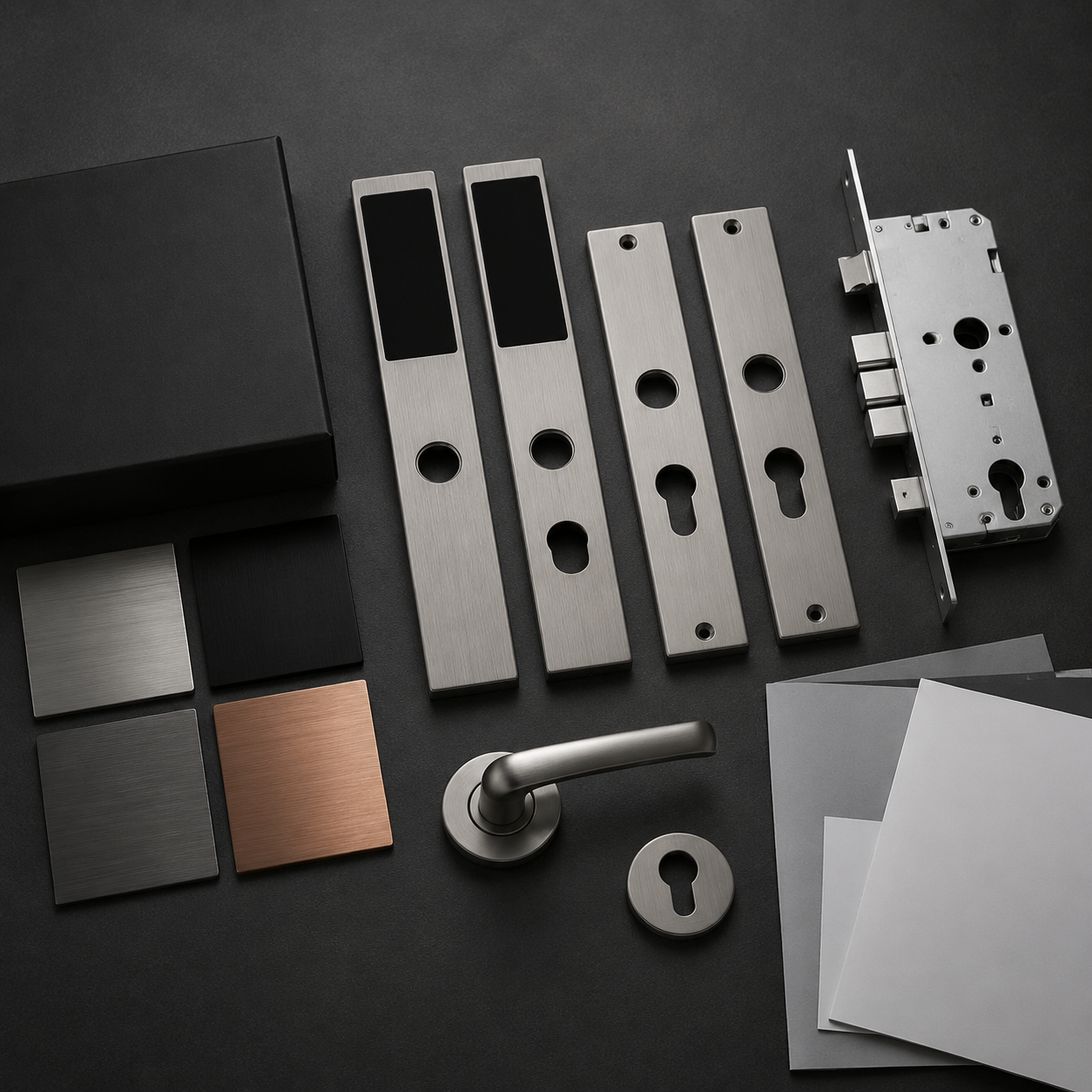
The correct file depends on the product family, market and custom scope.
Availability Boundaries
Document availability depends on selected model and configuration
Keep document requests practical. The table below separates early screening files from model-specific documents that need confirmation before quotation.
| Document type | Primary purpose | Availability boundary | Confirm before use |
|---|---|---|---|
| Product catalog | Early product-family screening. | General catalog material can be requested for buyer review. | Buyer type and product family. |
| Specification sheet | Check material, battery, app, unlock methods and model notes. | Should match the selected SKU and final function package. | SKU, app option, unlock methods and door condition. |
| Installation information | Review door thickness, mortise, backset and opening direction. | May vary by model and door structure. | Door photos, frame width, lock body and drawings. |
| Certification or test report | Support importer, market or project compliance review. | Test reports available upon request for selected models. | Target market, selected SKU, report type and configuration. |
| OEM/ODM support files | Prepare logo, finish, packaging and manual language. | Custom files depend on order scope and selected model. | Brand, quantity, packaging and manual language. |
Request Workflow
Send Context Before Asking for a File Package
A clear document request avoids broad promises and helps SivoLock respond with the correct catalog, datasheet, manual or report route.
Distributor, importer, door factory, project buyer or OEM brand.
Face, waterproof, profile-door, rim/gate or lever family.
Country, report needs, app option and project requirements.
Ask for available files by selected model and configuration.
The same lock family can need different files depending on door and market.
Support FAQ
Questions before quotation
These answers keep expectations practical while leaving final specifications, documents and reports tied to selected models.
Can every document be downloaded immediately?
No. Some catalogs may be shared early, while model-specific sheets, manuals and reports should be confirmed by selected SKU and configuration.
Can SivoLock provide certificates?
Certification and test report availability may vary by model, configuration and target market. Request the latest report list before quotation.
What should I send when requesting documents?
Send buyer type, product family, selected model if known, target market, door details, quantity and required report type.
Next Step
Request documents with model interest, market and door details together.
Send the product family, target market, door details, quantity and report questions so SivoLock can confirm what files may be shared.
- Buyer type and target market
- Product family or selected model
- Door type, thickness and installation condition
- Required catalog, datasheet, manual or report
- OEM/ODM logo, finish, packaging or manual needs
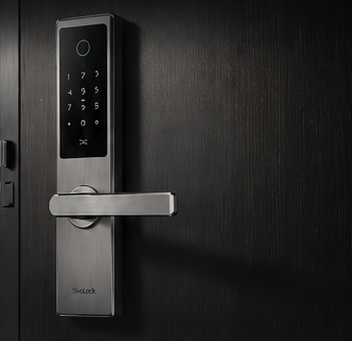
Start from product direction and door condition before asking for final documents.