Hotel Smart Lock Systems
A hotel smart lock system, or hotel door lock system, is the locks plus the reception encoder, guest and staff cards and room power switches, tested on one room before rollout. Guests check in, change rooms and lose cards, and housekeeping needs access to every floor, so we plan how reception issues cards and how staff reach the rooms they service, then roll the system out floor by floor. The locks, encoders and accessories themselves are on the J Series page.
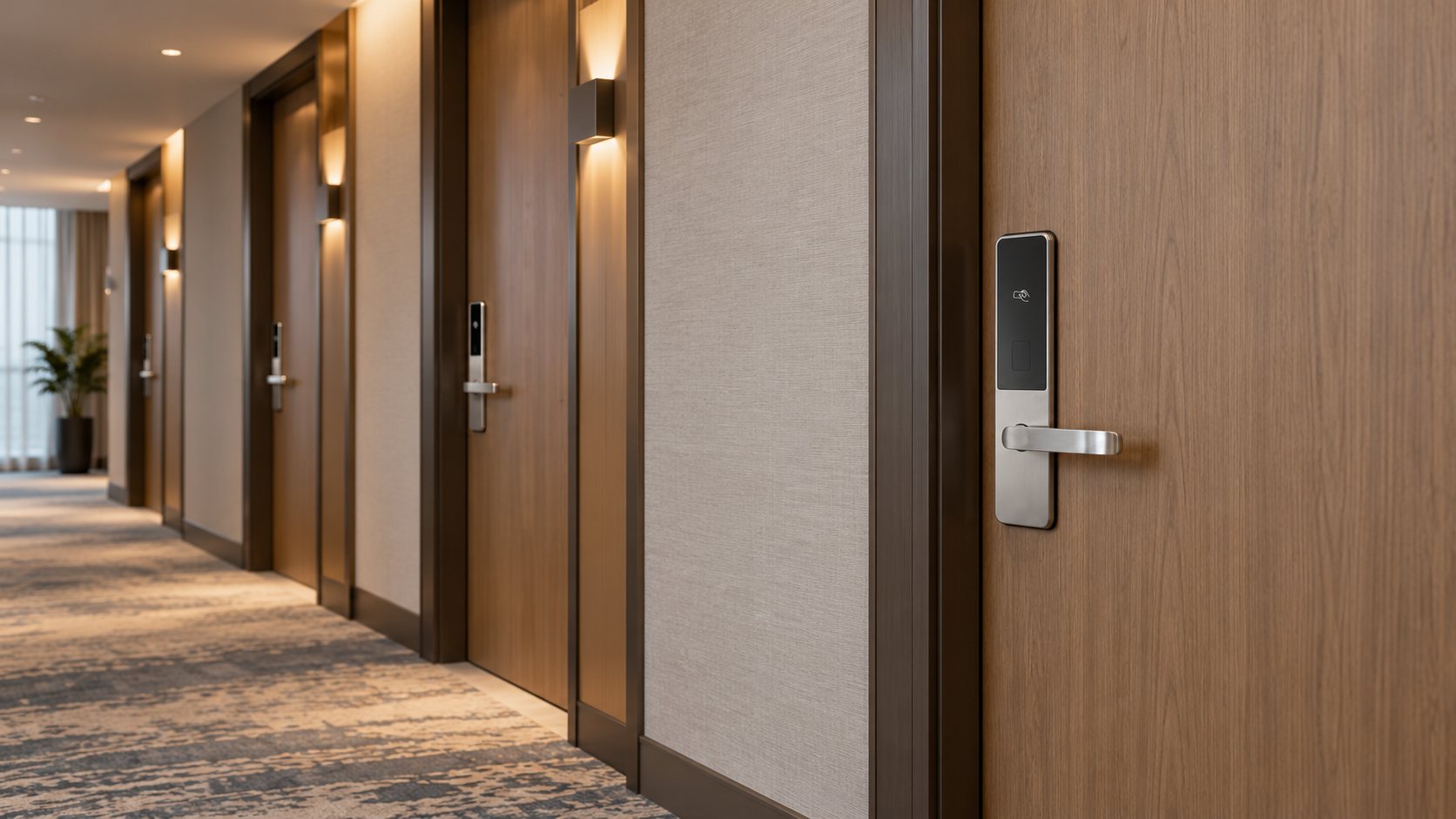
Which Hotel Door?
Which door are you planning?
Guest Rooms
The standard room door, opened by a card issued at reception.
- Start with:J2 or J3 long-panel card locks, or the compact J1
- Access:RFID hotel card and mechanical key
- Plan:Card encoder at reception, guest and staff cards, room power switches if used
Narrow Doors and App Access
Narrow-panel doors, or rooms where the property wants fingerprint, PIN or app access.
- Start with:J11, a 290 × 40 mm panel with fingerprint, PIN, card, key, Bluetooth and the TTLock app
- Access:Temporary passwords from the app; remote control optional
- Plan:Remote access needs a TTLock gateway and a Wi-Fi connection
Villas and Suites
Resort villas or suites with their own front door, where the entrance should look like a home.
Back of House
Offices, stores, linen rooms and plant rooms used only by staff.
Exterior and Service Doors
Garden gates, service entrances and other doors in the weather. Pool barriers have their own safety rules, such as self-closing and self-latching gates, and need a separate assessment.
Reception: What the System Must Do
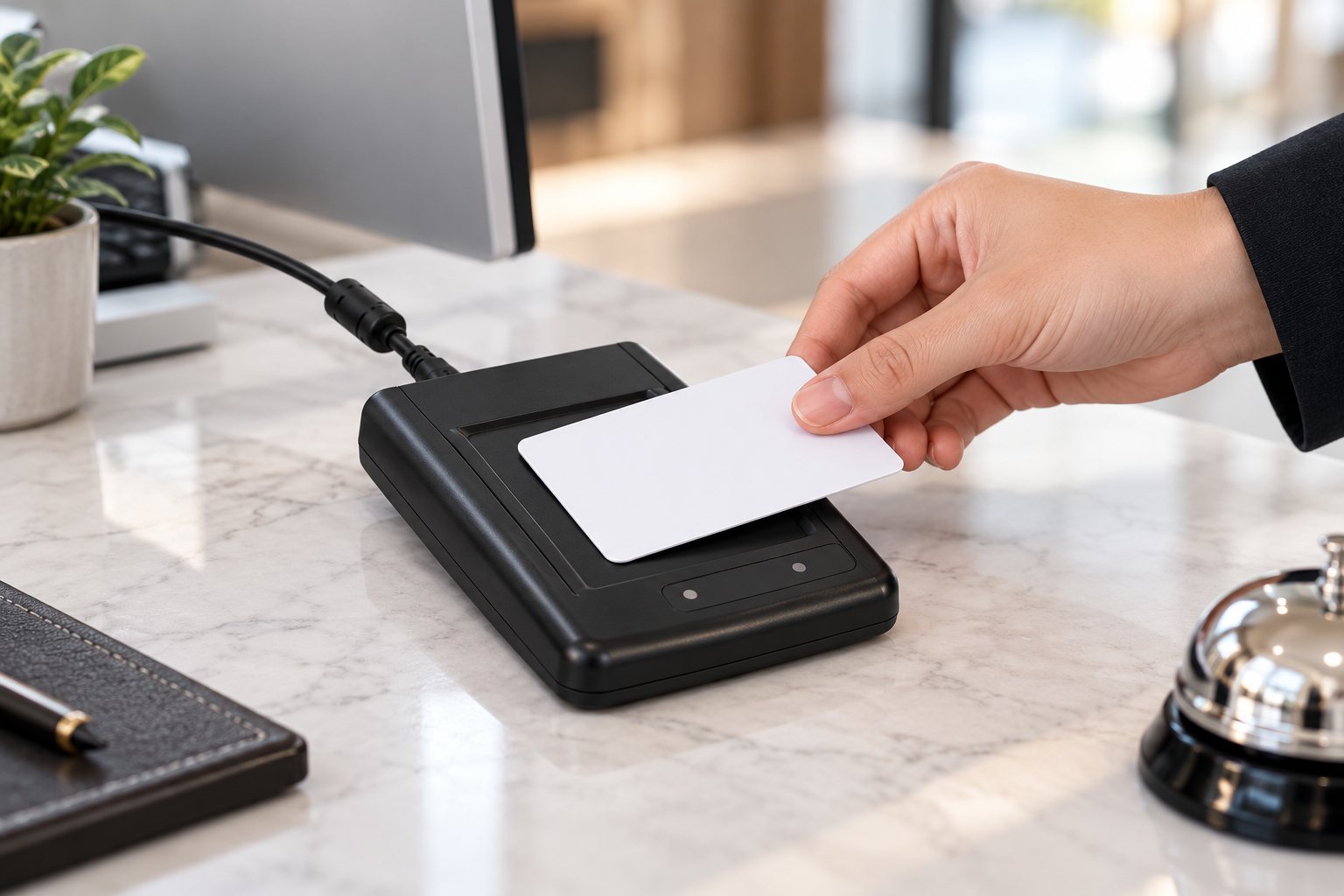
List what reception does every day, then test each task on the trial room before you order:
| Event | What happens | Test on the trial room |
|---|---|---|
| Check-in | Reception encodes a card for the room and stay | The card opens only that room, for that stay |
| Extra card | A second guest needs a card | Both cards work for the same stay |
| Extended stay | The departure date changes | The card keeps working past the original date |
| Room change | The guest moves rooms | The new card opens the new room; check what the old card does |
| Lost card | A replacement is issued | Follow the system's procedure, and check at the door when the old card stops working |
| Check-out | The stay ends | The card stops opening the room at the end of the stay |
Hotel card systems differ in how they handle these events, so write down the procedure your reception will follow and run it in full with the actual encoder and cards. If the hotel keeps its existing card system or management software, send its name and a photo of a guest card; we check compatibility before quoting. Connection to a property management system is a separate technical review.
Staff Access
Plan staff access by role and area. Hotel housekeeping practice uses access levels above the guest key, and staff cards follow the same idea:
| Level | Opens | Usually held by |
|---|---|---|
| Section | The rooms assigned to one room attendant, plus that floor's store | Room attendant |
| Floor | All rooms on one floor | Floor supervisor |
| Master | All guest rooms | Head of housekeeping |
| Emergency | All rooms, for emergencies | Duty manager, kept locked away |
Decide which of these levels your card system and locks will use, who issues staff cards, and how a card is canceled when someone leaves. Keep mechanical keys in a controlled place for a guest locked out by a dead battery or a fault, and decide who may use them.
Trial Room, Then Rollout
- Trial room. Fit the chosen lock, finish and accessories on one representative room, with the encoder at reception. Run every reception event above, plus staff cards and the mechanical key.
- Approve the reference. Record the model, finish, lock body, handing, card type and accessories. This is what every later room is built to.
- First floor. Install one floor and run it with real guests. Reception and housekeeping report what needs changing before the next floors.
- Remaining floors. Roll out floor by floor or by renovation phase. Pack each group by floor and handing so installers fit the right lock to each door.
- Handover. Train reception, housekeeping and maintenance. Hand over spare locks, spare cards and the battery routine for each room type.
With standard J Series locks, the trial-room set is typically ready in 7–15 days, and the floors that follow usually ship 30–45 days after the trial room is approved; we fix the schedule with you by floor or renovation phase. Floors renovated at different times often have different door preparations, so check one door from each group before ordering. Our installation guide covers fitting on site.
Maintenance and Spares
Keep a room record of the lock model, version, finish and handing, so a replacement matches the corridor. Order spare locks, cards and parts by the same reference. Agree a battery routine with maintenance, and show them the mechanical-key backup on the trial room. Qualifying material and manufacturing defects are covered for three years from shipment under our warranty policy.
Frequently Asked Questions
Can you supply the encoder, cards and switches with the locks?
Yes. Hotel orders can include a compatible encoder, guest and staff cards, extra readers and room power switches. The J Series page lists the package.
Which cards do the locks use?
Card locks of this type usually run on 13.56 MHz Mifare 1 (S50) cards, with 125 kHz T5557 cards on some systems. The encoder and room power switches use the same card type, and we confirm it for your J models in the proposal.
Will your locks work with our existing hotel software?
It depends on the card system and software. Send the system name and a photo of a guest card, and we will check compatibility before quoting.
Does a lost card stop working automatically?
It depends on the card system and how reception issues the replacement. Test the procedure on the trial room and check at the door when the old card stops working.
Can one hotel use card locks and face recognition locks?
Yes, for different doors: card locks on guest rooms, and face recognition locks on villas or suites managed in their own app.
What do you need to start a hotel proposal?
The number of rooms, photos of a typical room door and its old lock, your card system if you keep one, and the other door types in the property.
Request a Hotel Proposal
Send the number of rooms, photos of a room door, your card system and the other doors in the property. We will propose the locks, the reception package and a trial-room plan.