Apartment and Rental Smart Lock Solutions
An apartment rental smart lock solution should make each tenant change quick and checkable: residents receive access, former tenants lose it, and your team looks after the locks across the building. The G-series models themselves are compared on the apartment smart locks page.
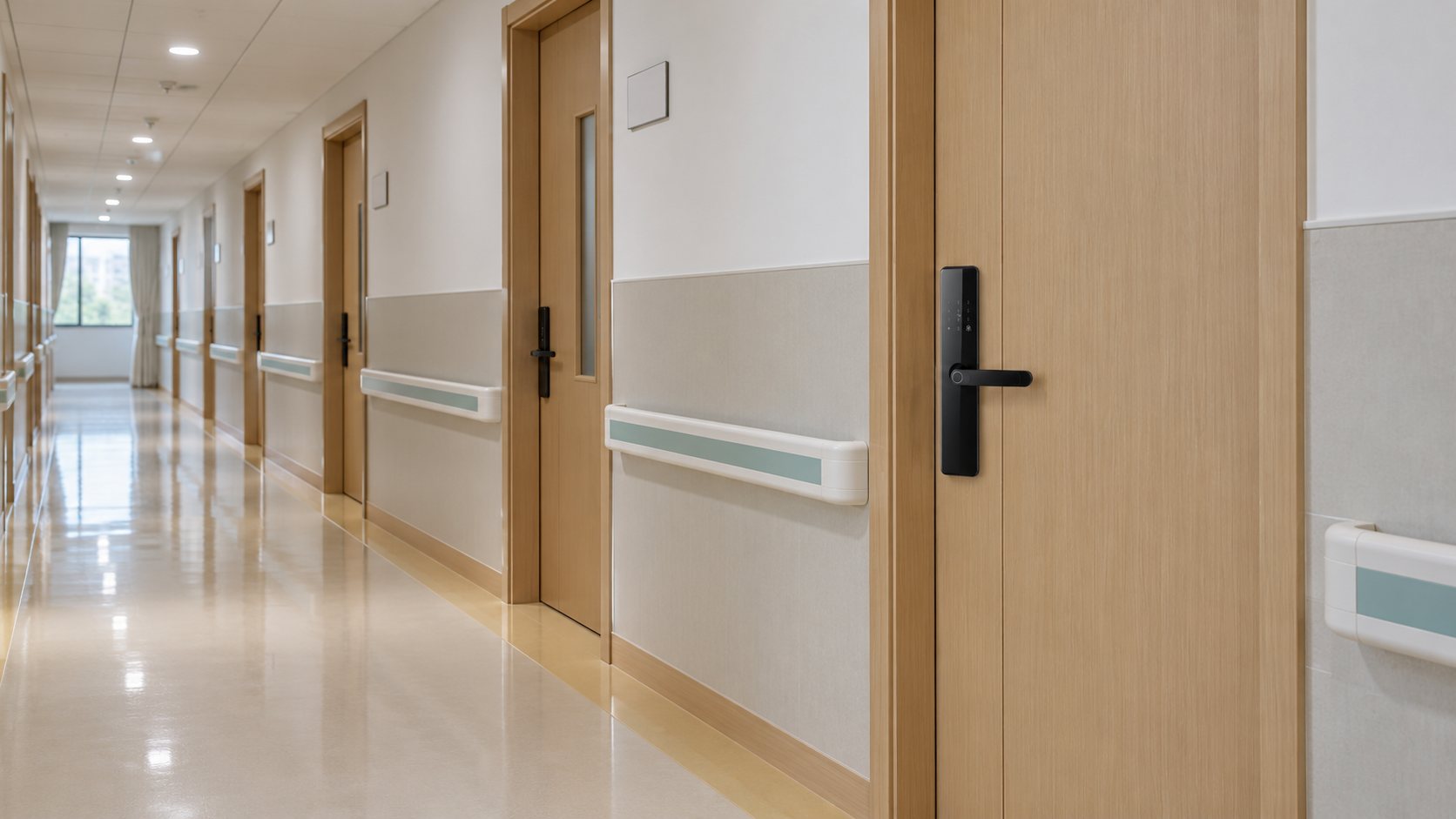
The Tenant Cycle
| Event | What the manager does | Test on the pilot floor |
|---|---|---|
| Move-in | Enrolls the tenant's fingerprints, issues a PIN or card, or shares app access | The tenant opens the door with each method |
| Visitors and contractors | Issues a temporary code for a set period | The code works in its window and stops after it |
| Lost card or forgotten PIN | Deletes the old credential and issues a new one | The old card or PIN no longer opens the door |
| Maintenance access | Gives staff their own codes or cards | Staff access is separate from tenants', and removable |
| Move-out | Removes all of the tenant's fingerprints, PINs, cards and app access | At the lock, none of the old credentials open the door |
| Next tenant | Issues new credentials | The new tenant can enter on day one |
The move-out step matters most: remove every credential type, not just the app account, and check it at the lock itself. With G2's video version, also remove the outgoing resident's visitor permissions and set up the account and call recipient for the next one. Decide who in the property team owns the admin account, so control stays with the property when staff change.
Manage From the Office or On Site
Choose the platform by the app the property already uses, the number of users per door and the building's connection:
| Version | How it connects | Managing from the office |
|---|---|---|
| TTLock (G1-1, G2 Standard, G3-1, G11-1) | Bluetooth at the door | Remote access needs a TTLock gateway and a Wi-Fi connection |
| Tuya Wi-Fi (G1-2, G3-2) | The building's Wi-Fi | Over the building's Wi-Fi; we confirm the supported remote actions per model |
| Tuya Bluetooth (G11-2) | Bluetooth at the door | Managed nearby in the Tuya app; remote functions confirmed per model and version |
Fingerprints, PINs and cards already enrolled in the lock keep working within their set validity when the network is down. Remote changes need the connection, and how access records are read offline depends on the app version. For G2's video version, we confirm the app and connection with the order. Check the Wi-Fi or gateway signal at every door of the pilot floor before ordering for the building. See the app and gateway guide and our Bluetooth, Wi-Fi and gateway comparison.
Choosing the Model for Each Door Group
Group the doors by construction, thickness, lock body and panel space, then choose a model per group. G1 and G3 have iron housings for lower-cost projects, G3 with a shorter 310 × 65 mm panel; G2 is SUS304 with an optional video version; G11 has a 290 × 40 mm panel for narrow aluminum doors. A building can mix them, as long as each group is ordered and labeled by model and version. The apartment smart locks page compares all eight versions.
Pilot Floor, Then the Building
- Samples: one per door group, fitted on the actual doors.
- Pilot floor: install a floor or a block of units and run the whole tenant cycle above with the people who will manage the building.
- Approve the reference: model, version, lock body, finish and accessories for each group, plus the operating procedure.
- Rollout: supply and install by floor or building, packed by door group.
- Handover: train the property team on the tenant cycle, battery changes and backup entry.
For example, in 2024 a Malaysian apartment systems supplier ordered 1,800 standard smart locks after installing two samples on site, and two further orders added 750 sets that year. Read more on global project support.
Maintenance and Spares
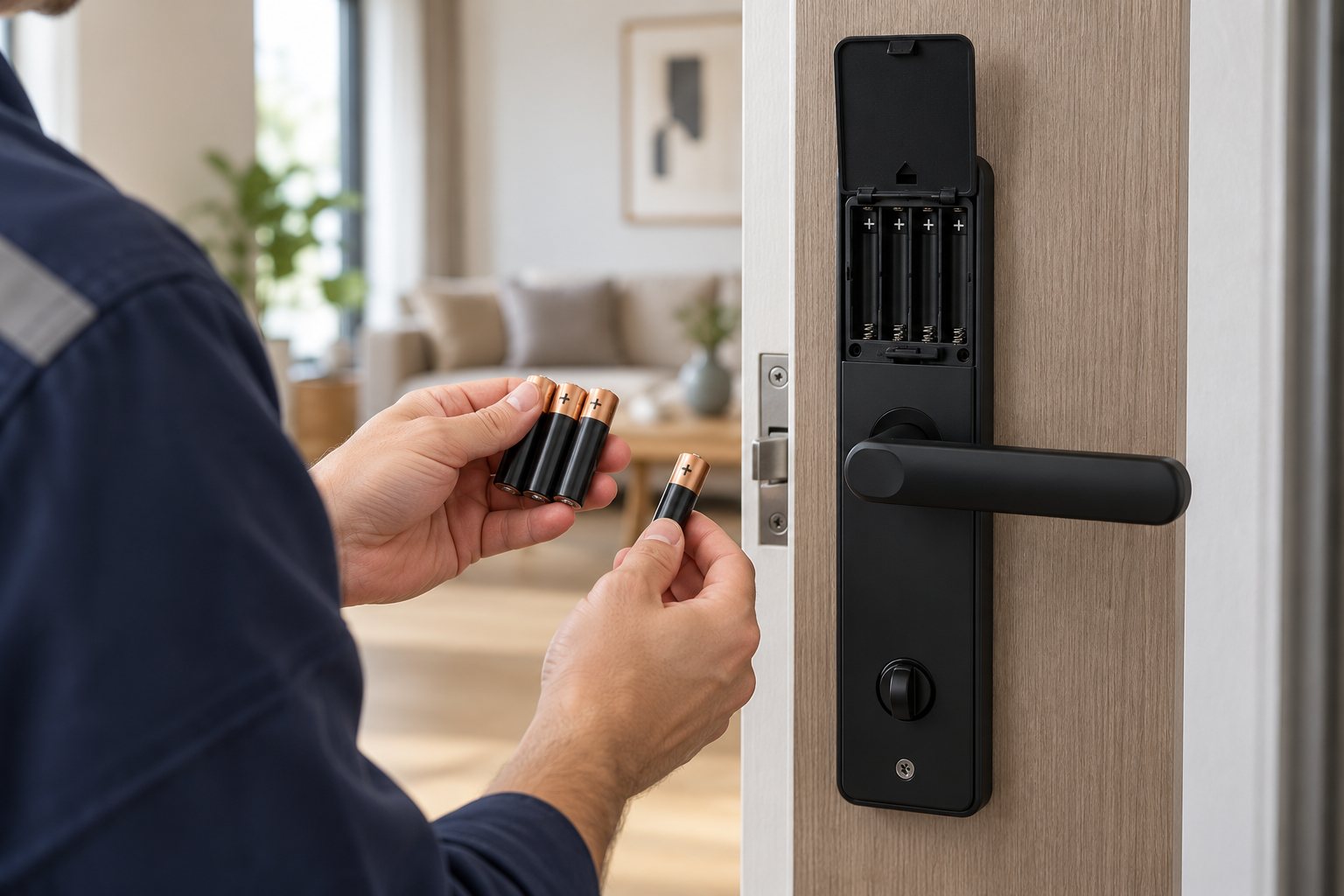
G1, G2 and G3 run on 4 AA batteries and G11 on 4 AAA, so stock the right cells for each group. Where the app shows battery levels, check them as part of the routine, and show staff the 5 V Type-C emergency port and the mechanical key. Keep spare locks and parts by model, version, lock body and finish, because two locks that look alike can be configured differently. Budget for batteries, any gateways and replacements as well as the locks; our total cost of ownership guide helps. Qualifying material and manufacturing defects are covered for three years from shipment under our warranty policy.
Frequently Asked Questions
How do we make sure a former tenant can't get in?
Remove all of their fingerprints, PINs, cards and app access, then check at the lock that none of them opens the door.
Do the locks work if the internet goes down?
Yes. Credentials already enrolled in the lock keep working within their set validity. Remote changes need the connection, and how access records are read offline depends on the app version.
Can we manage the locks from our property management software?
Connection to an existing system is a separate technical review. Send the software name and the operations you need.
Can one building use different G-series models?
Yes. Group the doors, choose a model and version per group, and keep each group's spares and batteries separate.
Can the locks carry our brand?
Yes. Logo, manuals and packaging can be agreed for the model and quantity; see OEM/ODM.
Tell Us About Your Building
Send the number of units, photos of a typical door, the app you use today if any, and your rollout plan. We will suggest the models and versions and a pilot-floor plan.