Global Project Support
Global Smart Lock Project Support From Selection to Shipment
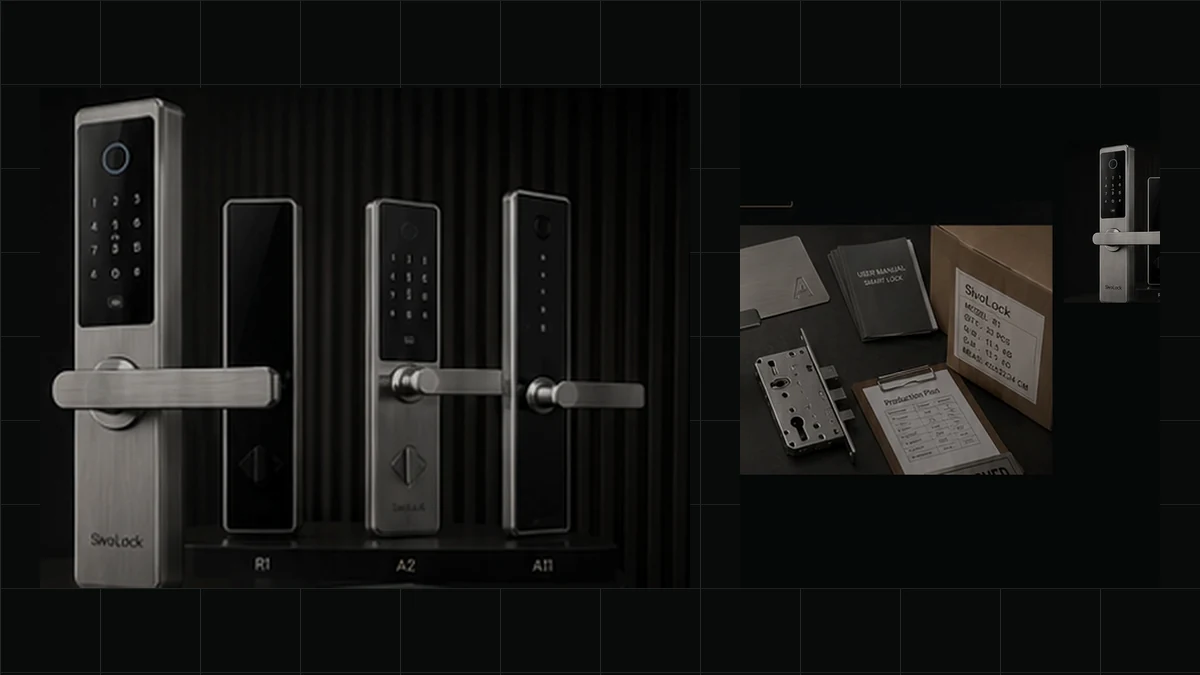
SivoLock supports importers, distributors, door manufacturers and project buyers as they move from product selection and door compatibility review to samples, documentation, packing and shipment handoff.
Each project follows the selected model, market, application and confirmed order scope so technical, commercial and delivery information stays aligned.
Explore Smart Lock Models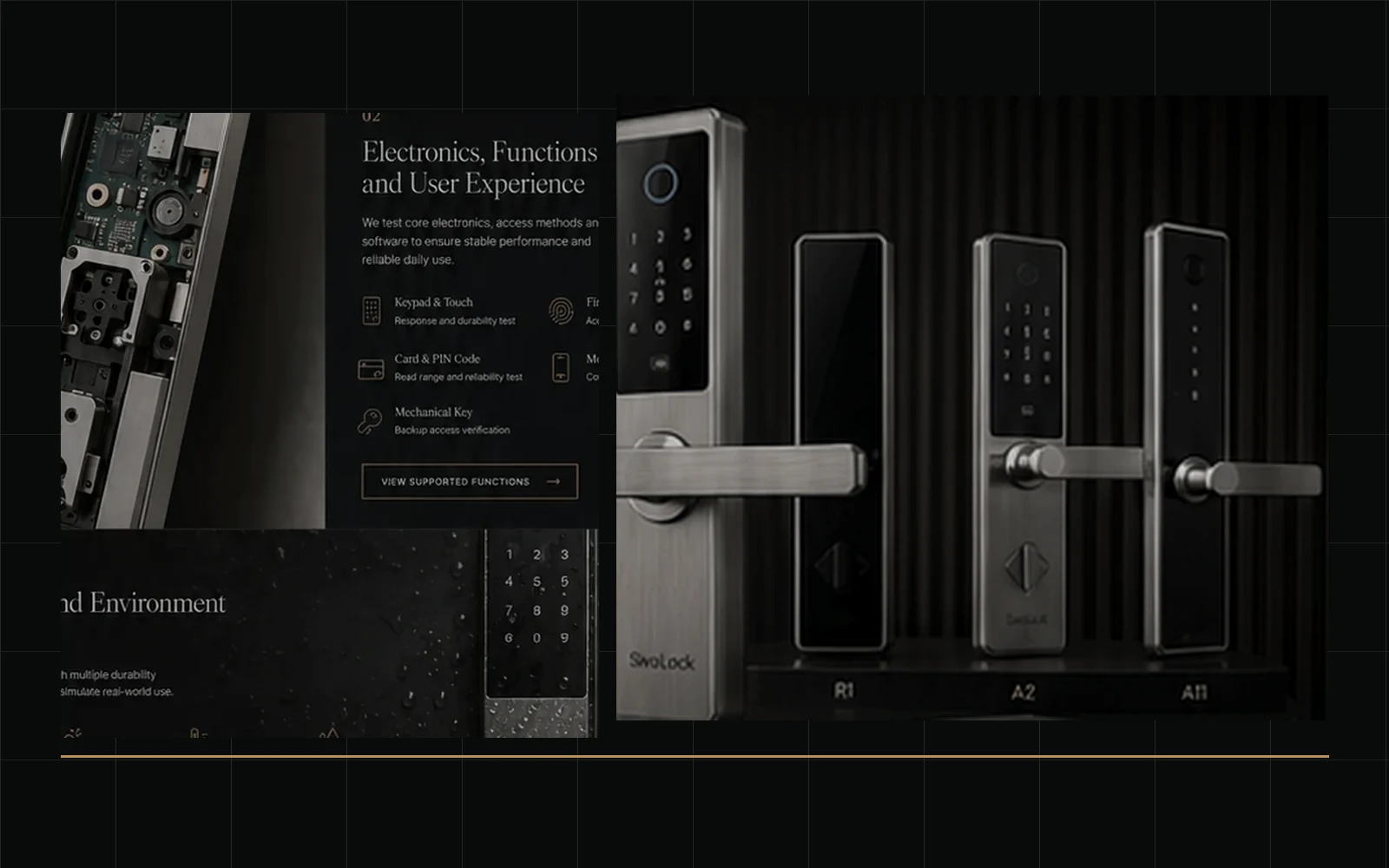
Support Overview
Keeping Product, Project and Delivery Information Aligned
International orders require product, door, sample, document, packing and shipment information to remain aligned.
Product and Application Review
Models are matched to the door application, environment, required functions and market position.
Sample Coordination
Sample type, configuration, accessories, documents and shipment method are confirmed before dispatch.
Documentation and Localization
Product files, manuals, labels and model documents are organized by market and order scope.
Order and Shipment Handoff
Product, quantity, packing and shipping information is prepared for production and freight handoff.
Buyer Applications
Project Support for Different International Buyers
Support changes with the buyer's role, application and next decision.
Importers
Importers can review product selection, market documents, labels, packing files and freight-forwarder coordination.
Distributors
Distributors can review product range, samples, private-label presentation, sales materials and repeat-order references.
Door Manufacturers
Door manufacturers can review mortise compatibility, panel dimensions, spindle, door thickness, opening direction and installation information before selecting a platform.
Project and System Suppliers
Project suppliers can organize application requirements, model selections, quantities, access functions, documents and delivery requirements.
Project Workflow
From Project Brief to Shipment Handoff
Each stage produces a decision or reference for the next project stage.
Project Brief
Confirm market, buyer type, application, quantity, functions, schedule and commercial priorities.
Stage outputProject scope
Model Shortlist
Review product platforms by door type, environment, access methods, appearance and target price.
Stage outputModel options
Door and Application Review
Check door material, thickness, frame, opening direction, mortise, spindle, installation space and exposure.
Stage outputDoor requirements
Sample Plan
Confirm a standard, configured, private-label or product-development sample.
Stage outputSample plan
Documentation and Localization Review
Identify product files, manual language, labels, carton marks, artwork and model-specific documents.
Stage outputDocument checklist
Quotation and Order Confirmation
Confirm model, functions, finish, accessories, quantity, packaging, terms, schedule and changes.
Stage outputOrder specification
Production and Packing Coordination
Use approved product and order references for production, inspection, accessories, manuals, labels and packing.
Stage outputPacking reference
Shipment Handoff
Prepare shipment information, commercial documents and packing details for the agreed pickup or delivery arrangement.
Stage outputLogistics handoff
Technical Review
Matching the Smart Lock to the Door and Application
Product selection should begin with the door and environment, not only the lock's appearance.
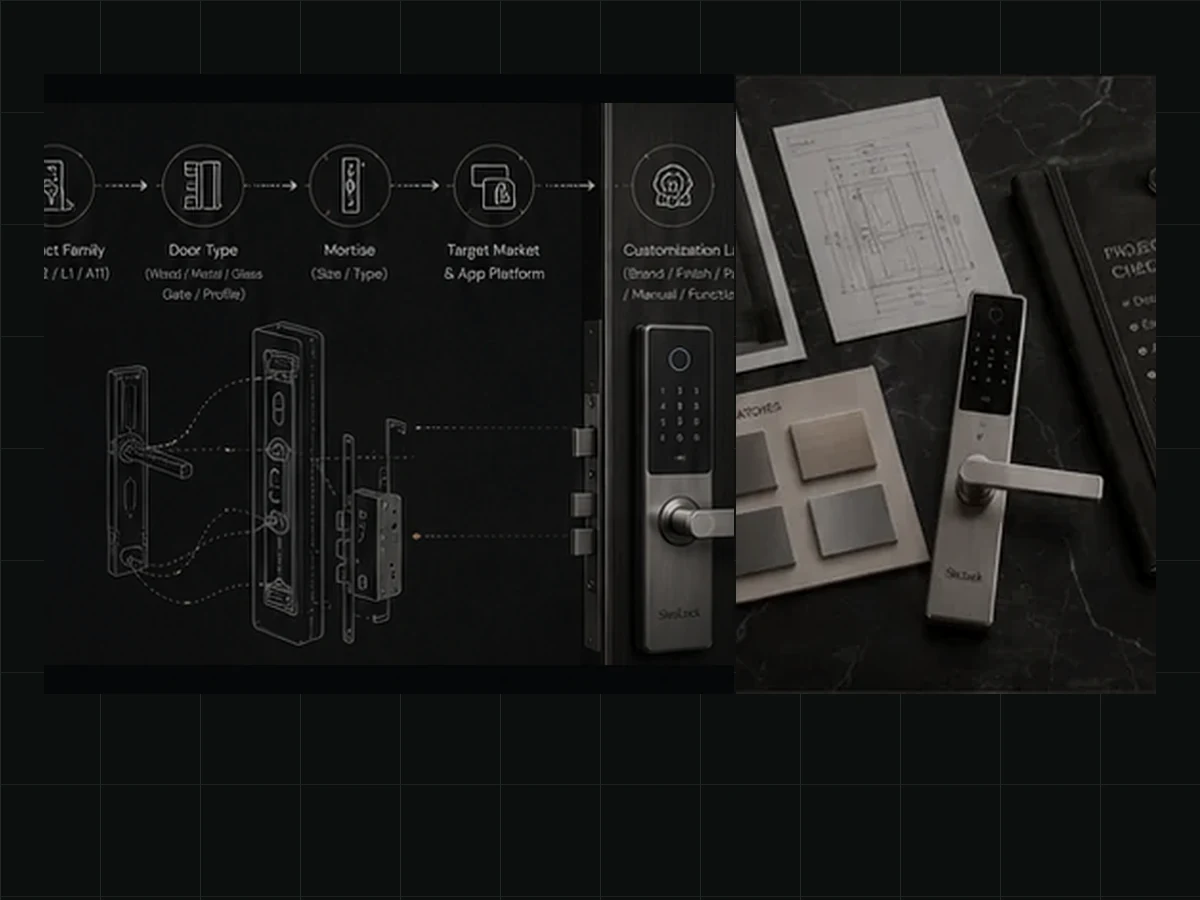
Door and Hardware Information
- Door TypeIdentify the entrance, profile, glass, indoor, hotel, gate or project opening.
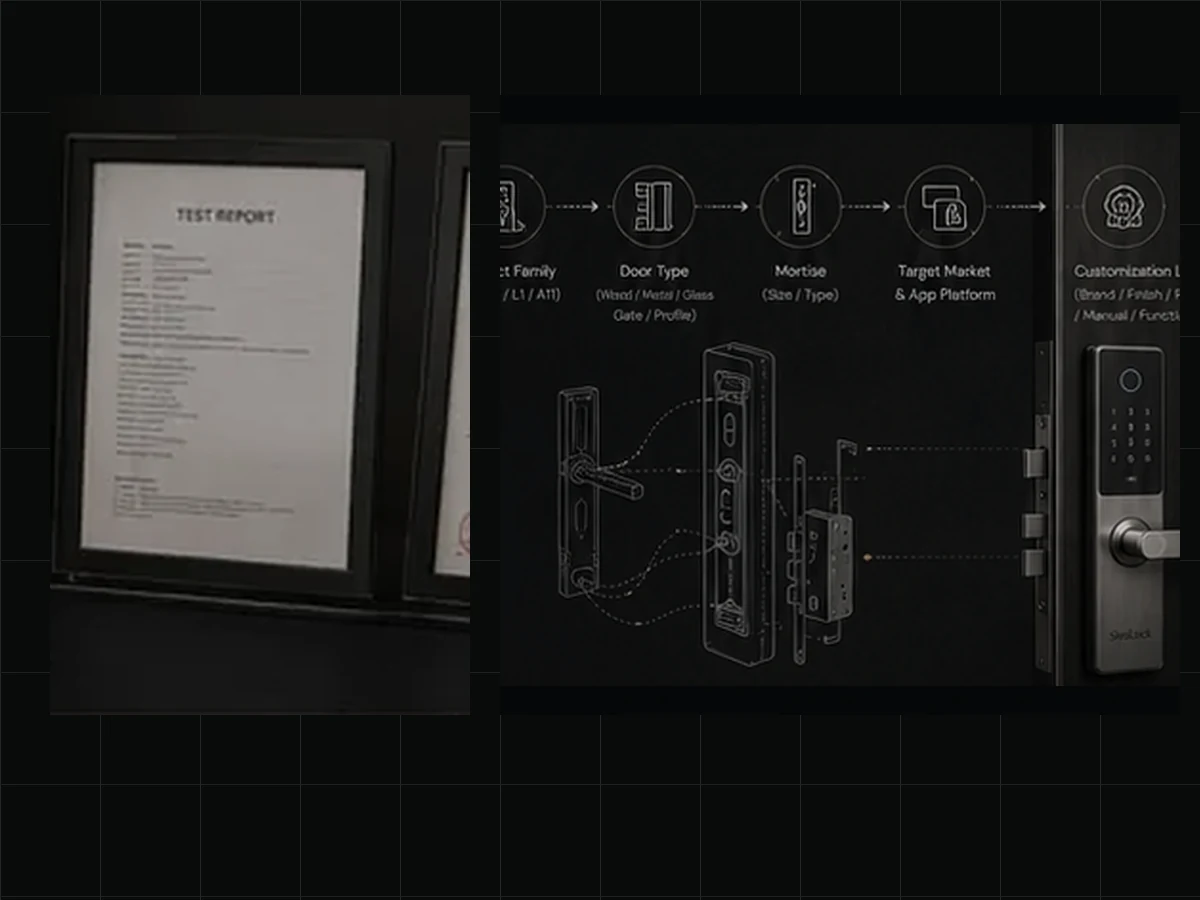
- Door Thickness and FrameThickness, frame condition and installation space affect panel, spindle, fastener and mortise selection.
- Mortise and Opening DirectionConfirm mortise dimensions, latch direction, handle direction and cylinder requirements before approval.
- Installation EnvironmentIndoor, sheltered, exposed, coastal and humid applications may require different product and finish decisions.
Function and System Information
- Access MethodsFingerprint, PIN, card, face, mechanical key and temporary-access needs are reviewed by platform.
- Communication PlatformBluetooth, Wi-Fi, gateway, app and management requirements vary by model.
- User and Management ScenarioResidential, rental, hotel, apartment and controlled-access projects may need different user and record functions.
- Power and Emergency AccessReview battery type, low-power warning, emergency power and mechanical access.
Sample Coordination
Preparing a Sample That Represents the Intended Order
A sample is useful when its model, functions, finish, accessories and documents are clear before dispatch.
Standard Evaluation Sample
An available standard model used to review product quality, basic functions and door suitability.
Configured Sample
An existing platform prepared with a selected mortise, finish, function package or accessory combination.
Private-Label Sample
A sample prepared with approved logo, labels, manuals or packaging elements where the project scope supports it.
Product-Development Prototype
A new appearance, structure or tooling sample managed through OEM/ODM development.
Before dispatch, the sample configuration, included accessories, available documents and shipping information are recorded so both sides understand what the sample represents.
Review OEM and ODM sample development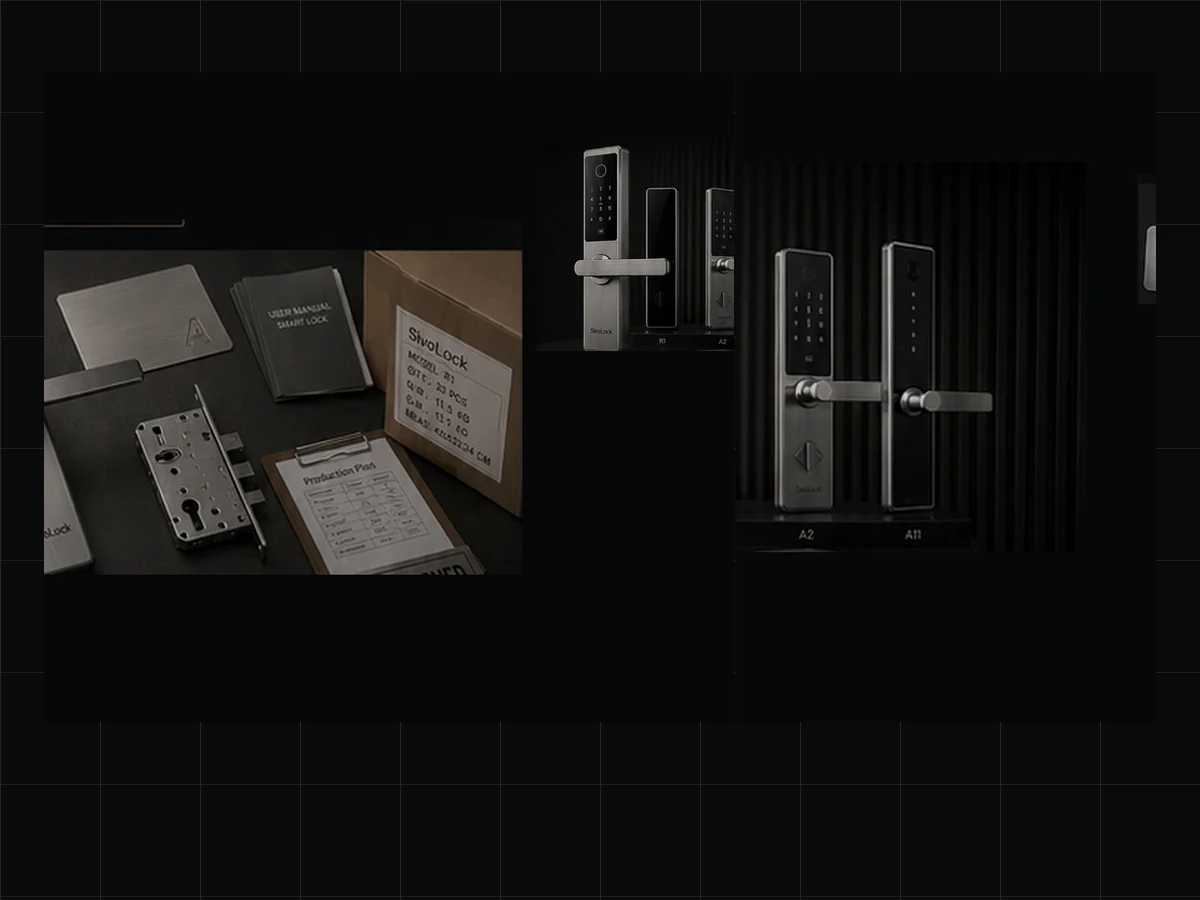
Documents and Localization
Organizing Product and Market Files by Model
Documents should match the model, platform, market and shipment.
| Document Type | Project Support | Applicable Scope |
|---|---|---|
| Product Files | Datasheets, specifications, dimensions and product images | Provided by model |
| Installation Files | Mortise, panel, drilling and installation references | By model and door information |
| Manuals | Standard or reviewed language versions | Confirmed by project scope |
| Labels and Artwork | Product labels, box labels, logo and carton marks | Used after approval |
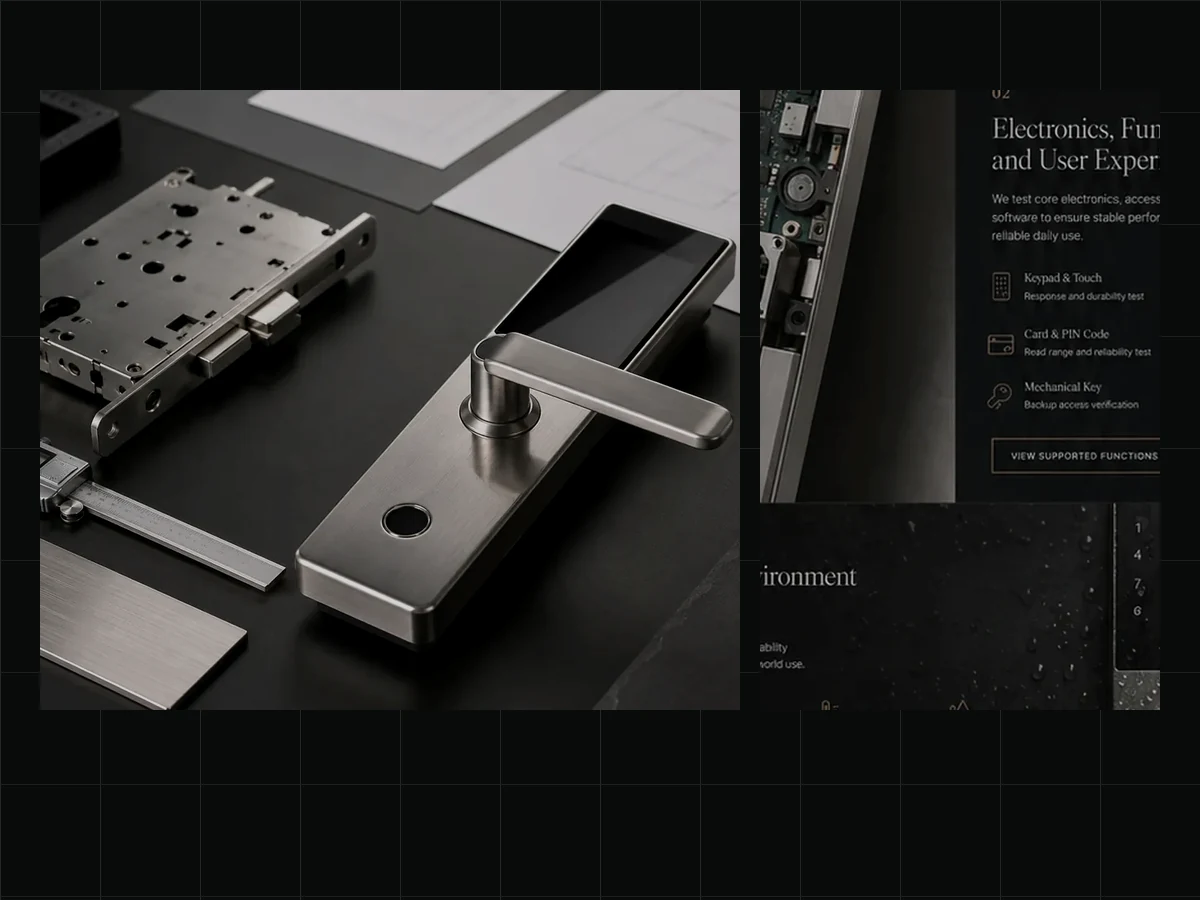
| Compliance Documents | Available CE, RoHS, REACH, IP or test-related files | By model and target market |
| Commercial Documents | Invoice, packing list and shipment information | By order and shipment |
| Packing References | Accessory list, box layout, carton information and marks | By order |
Certificates and test reports are not universal downloads. Applicable files can be provided after model, market and document requirements are confirmed.
Responsibility boundaryImport regulations, local registration, customs classification and destination-market approvals remain subject to the buyer's local requirements and the agreed project scope.
Order and Delivery Coordination
Keeping the Confirmed Order Clear Through Packing and Shipment
Product and shipping information stay aligned after order confirmation.
Confirmed Order Summary
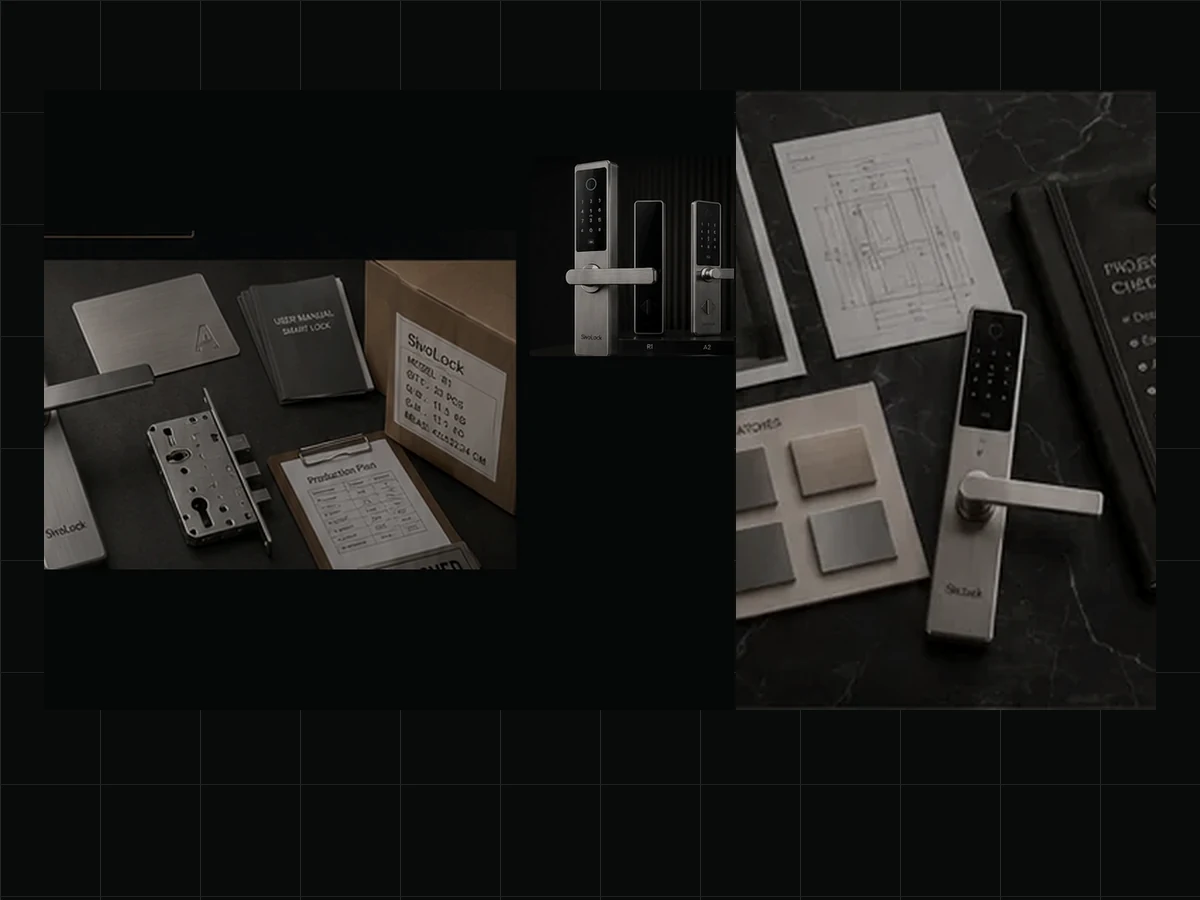
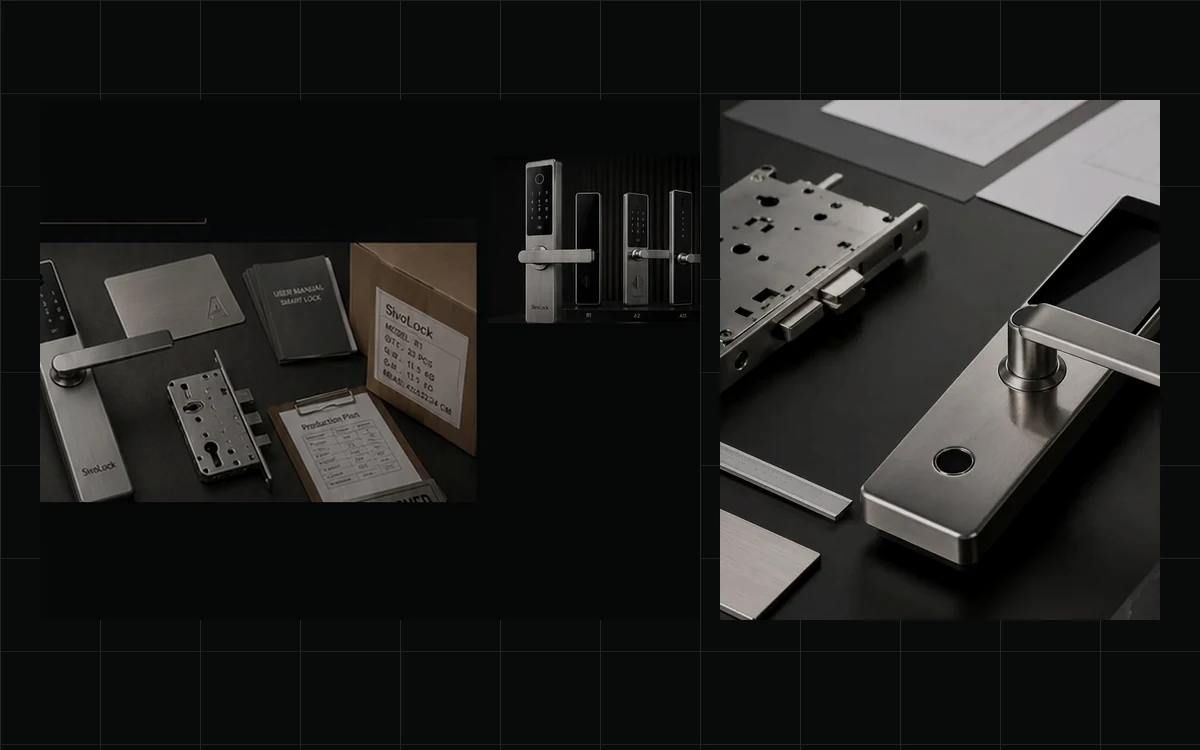
The reference identifies model, configuration, finish, accessories, quantity, packaging and approved changes.
Packing Requirements
Inner boxes, cartons, accessory placement, protection and project instructions are reviewed before packing.
Labels and Carton Marks
Labels, carton marks, barcodes and shipping marks use approved artwork and order information.
Commercial Invoice and Packing List
Commercial and packing information follows the completed order, quantities and agreed trade details.
Freight-Forwarder or Pickup Handoff
Pickup address, cartons, weights, dimensions and collection requirements can be provided to the nominated forwarder.
Shipment References
Available tracking details, air waybill, bill of lading or other freight references are shared according to the selected shipping arrangement.
Shipping scopeShipping terms, freight responsibility, customs handling and delivery scope are confirmed separately for each order.
Project Continuity
Keeping Decisions and Issues Connected to the Order Reference
After approval, important changes and reported issues stay tied to the same order reference.
Communication and Change Control
One Project Reference
Model, function, packing and document decisions are consolidated into the project or order reference.
Written Change Confirmation
Changes to product, function, appearance, accessories, packing or timing should be reconfirmed before production or shipment.
Repeat-Order Continuity
Previous order references can support repeat purchasing after component, software, finish, document and packaging review.
Issue and After-Sales Review
Installation Questions
Review installation questions with the model, order reference, door photos, dimensions and videos.
Missing or Incorrect Parts
Review accessory or packing issues against the packing reference, quantity and shipment records.
Functional Issues
Review product issues using the model, configuration, description, photos or videos and operating conditions.
Resolution Scope
The response may include guidance, replacement parts, repair review or another project-specific solution.
Project Checklist
What to Include in an International Smart Lock Inquiry
A complete project brief helps technical and commercial review begin with fewer assumptions.
Product and Application
- Target country or region
- Buyer type
- Door application
- Indoor or outdoor use
- Preferred model or category
- Access functions
- App or management needs
- Door and mortise information
Commercial and Customization
- Expected quantity
- Target schedule
- Finish
- Logo or private label
- Packaging
- Manual language
- Required samples
- Target price where available
Documentation and Delivery
- Required compliance documents
- Shipping address
- Preferred trade term
- Buyer or forwarder pickup needs
- Carton marks
- Delivery deadline
- Special import or project requirements
Project Support FAQ
Questions About International Smart Lock Projects
These answers summarize how project information is reviewed through quotation, sampling, order confirmation and delivery handoff.
What information should I provide before requesting a quotation?
Can SivoLock help review door and mortise compatibility?
Can manuals, labels and packaging be localized?
Which compliance and quality documents are available?
Can SivoLock coordinate with our freight forwarder?
How are product or packing issues handled after delivery?
Can SivoLock discuss relevant project experience?
Related Buyer Guidance
Continue with the guide that owns the evaluation method.
Use the project specification and RFQ guide to organize door groups, functions, quantities, market requirements, documents, and delivery details.
Start the Project Review
Send One Clear Brief for Product, Documents and Delivery
Include market, door application, model, quantity, functions, packaging, documents and delivery expectations for review.
Review Installation Support